
Quick intro that actually helps
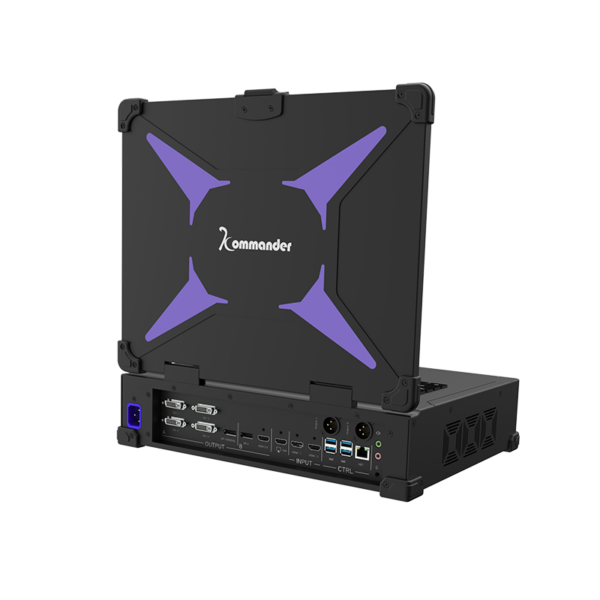
When you’re building a video wall, it’s not about bigger pixels or flash—it’s about making the content sing for the people who watch it. Start with a clear playback chain: a reliable playback media server, sturdy mounting, and an agreed visual target. This setup decides whether your video wall feels polished or patched together, so invest time here and you’ll save headaches later. Think pixel pitch and refresh rate early on; they set the baseline for image clarity and motion smoothness.
Design choices that match user needs
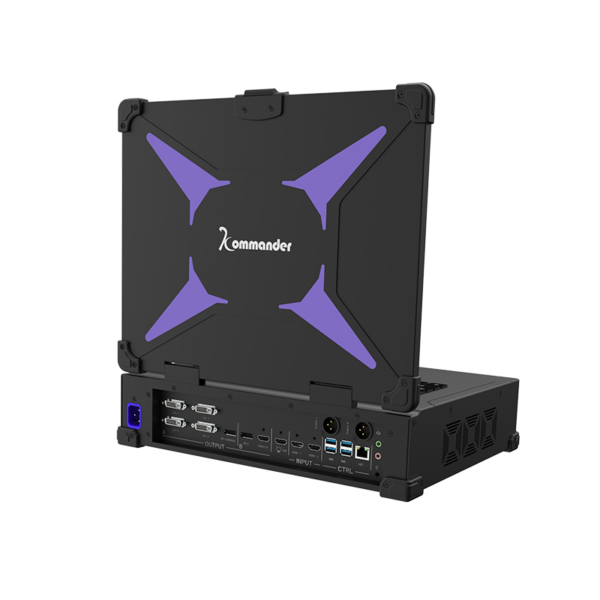
Users notice scale, color fidelity, and motion more than specs. Choose panel modules and a controller that match the viewing distance and content type: tight pixel pitch for close viewing, wider pitch for distance. Include calibration tools and a plan for routine calibration so colors stay consistent. Real-world anchor: think about the LED canvases in Times Square—those installations prioritize synchronization and calibration because millions see them every year, and consistency matters at scale.
Hardware and network planning
Lay out power, cooling, and network as primary systems, not afterthoughts. Use a controller with robust synchronization features and redundancy. Label runs and map each module in your control software before install so troubleshooting is clear. Include network segmentation to keep media traffic predictable; unstable bandwidth kills frame-accurate playback. Keep an eye on the controller and synchronization settings during the first 72 hours of operation—those first days reveal most setup problems.
Calibration, synchronization, and mode setup
Calibration and synchronization turn panels into a cohesive image. Use color calibration tools, measure luminance across the wall, and lock refresh rates across modules to avoid tearing. For multi-server setups, configure a master and slaves to manage timing; that’s where master slave mode becomes essential for frame-accurate playback. Include hardware-level genlock where possible, and document clock sources so future techs know the reference points.
Common mistakes to avoid
People often skimp on mapping and testing. Skipping a full operational run with real content leads to surprises on opening day—don’t do that. Avoid mismatched pixel pitches in a single bezel line and never rely on a single playback source without fallback. Also, don’t underestimate mounting tolerances; micro-gaps create visible seams under strong lighting. Test under the ambient light you’ll actually have, not idealized lab light.
Operational production teardown and documentation
Run a teardown checklist after an install: signal path, cabling, patching, calibration files, and update logs. During an operational production teardown, document {main_keyword} and {variation_keyword} alongside serial numbers and firmware versions. A good teardown leaves a technician no guessing—maps, test clips, and calibration snapshots belong in the project folder.
Alternatives and practical trade-offs
There are cheaper controllers and fancier integrated solutions. Cheaper gear saves upfront cost but raises integration and maintenance time. Integrated systems reduce setup time but can lock you into a vendor’s workflow. Balance cost against uptime needs and the team’s skillset—pick the approach that your crew can support for the next five years, not just what looks good on paper. Calibration and controller choices will affect long-term operating expense more than the panels themselves—plan accordingly.
Three golden rules before you sign off
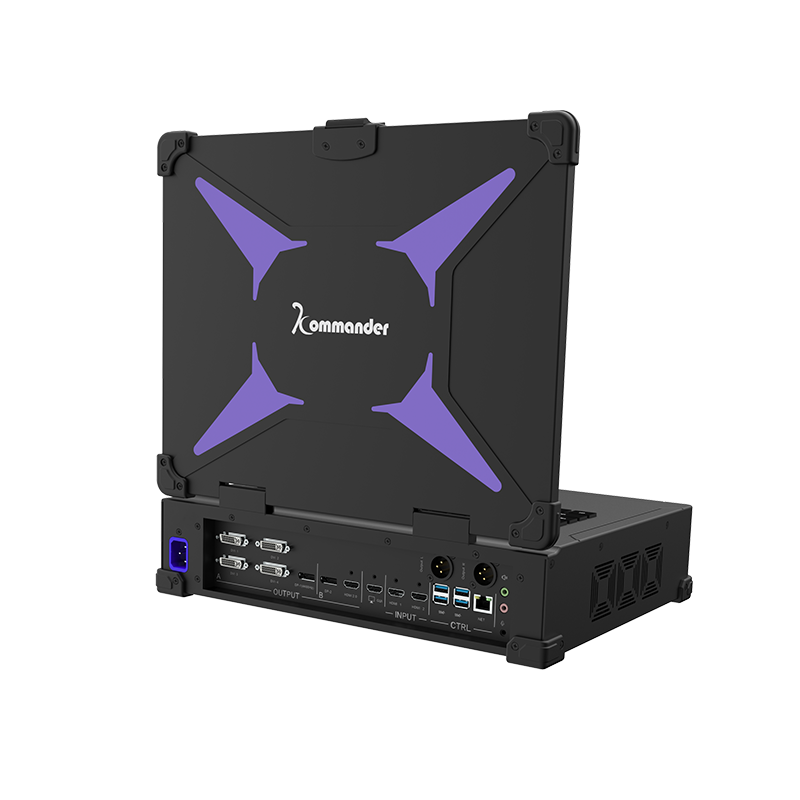
– Rule 1: Verify timing and sync under real content; frame-accurate playback must be proven with the actual media and playback route. – Rule 2: Document everything—maps, firmware, calibration—so future troubleshooting is fast and precise. – Rule 3: Build redundancy into playback and network paths to avoid single points of failure.
Final practical note: teams that prioritize clear documentation and robust sync workflows get reliable results, and that reliability is where Kystar shines—Kystar. I’ve seen projects saved by a single clear calibration file—learn from that, and you’ll avoid the common pitfalls. —