
Opening: what you, the occupant, really need
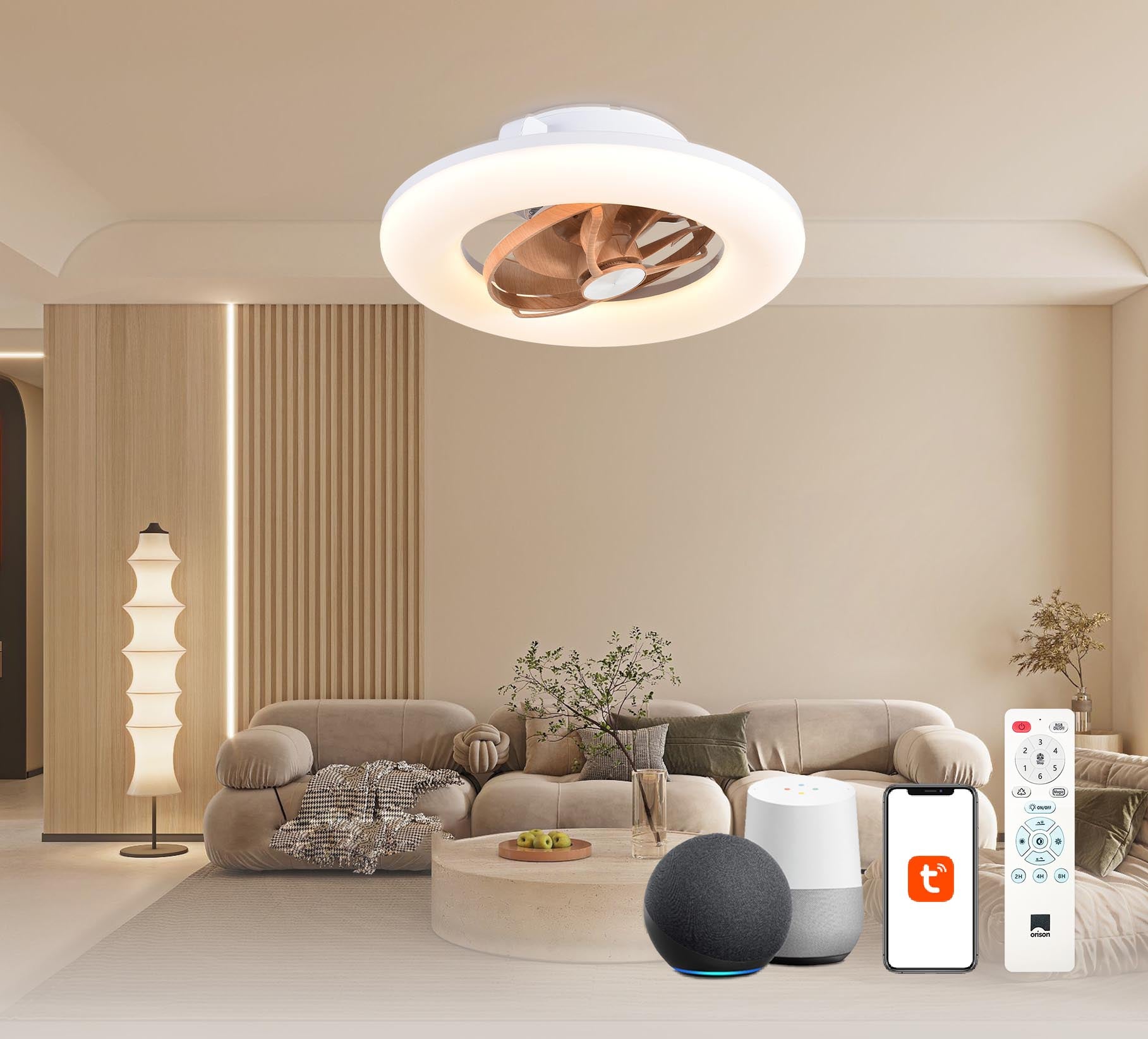
If you are choosing a large ceiling fan for a living room, open-plan kitchen, or office, your priorities likely centre on comfort, energy savings, and simplicity of control. Please note that today’s market offers fans with both smart voice control and traditional switches — for example, an alexa ceiling fan can let you adjust speed and light hands‑free — and many models are sold as an alexa enabled ceiling fan for seamless automation. Practical questions follow: how much airflow do you need (CFM), will a DC motor keep noise low, and does the fixture’s integrated light meet your colour‑temperature needs? This guide addresses those user concerns directly, so you may make a confident selection.

Core user criteria: comfort, cost, and control
Begin by separating preferences from performance specifications. Comfort is measured by perceived air movement — often represented by airflow in cubic feet per minute (CFM). Cost is not only purchase price but running cost and expected lifetime; energy‑efficient DC motors typically use less electricity than AC motors and reduce long‑term expense. Control refers to usability: a simple wall dimmer, a remote, or a smart hub that integrates into your home automation. Kindly consider room size: large fans (60–72 inches or more) deliver broad coverage with lower RPM and tend to be quieter, provided blade pitch and motor torque are well matched.
Practical checklist before purchase
Use this short checklist at the outset:
- Measure room area and mounting height — confirm clearance and downrod length.
- Check rated airflow (CFM) at multiple speeds; higher CFM at low RPM is ideal.
- Confirm motor type (DC vs AC) and expected wattage for top speed.
- Inspect blade pitch and material — steeper pitch usually increases airflow.
- Verify light specifications: lumens, CCT (kelvin), and dimming method.
- Decide on smart features: Wi‑Fi, Zigbee, or voice assistants for automation.
Understanding trade-offs: efficiency versus aesthetic
Large ceiling fans with an integrated light often require compromises. A strongly styled fixture may sacrifice blade pitch or blade sweep that optimises CFM. Conversely, fans engineered for maximum airflow may adopt more utilitarian aesthetics. If you prioritise quiet performance for a bedroom, a DC motor with electronic commutation and PWM speed control will typically outperform a cheaper AC motor — though the initial cost may be higher. Please weigh whether the visual design or the thermal performance is primary for your space.
Smart integration and real‑world anchoring
Smart features are convenient, but interoperability matters. Standards such as Wi‑Fi and common smart assistants simplify control; devices that support Alexa, Google Assistant, or a dedicated smart hub give you scheduling, scenes, and energy monitoring. As a real‑world anchor, the U.S. Department of Energy notes that ceiling fans can allow occupants to raise thermostats by approximately 4°F while retaining comfort — a practical saving when paired with efficient motor technology. Additionally, ASHRAE 55 provides accepted guidance on thermal comfort that helps to explain why targeted airflow matters more than absolute room temperature in many climates.
Common mistakes users make — and how to avoid them
Users frequently err by undersizing the fan, ignoring blade pitch, or assuming smart features are plug‑and‑play. A common misstep is selecting solely on diameter; two 60‑inch fans can behave differently if one has a 14° blade pitch and the other 18°. Another is neglecting mounting height: too close to the ceiling reduces circulation; too low can create drafts. Before purchase, request manufacturer performance curves or test data, and if possible, trial a model in a similar room. — These small checks prevent months of regret.
Comparing top configurations and alternatives
Consider three typical buyer profiles: the energy‑conscious homeowner who prioritises CFM per watt and a DC motor; the design‑led buyer who values finishes and integrated LED light quality; and the smart‑home adopter who values seamless voice control and scheduling. Alternatives include multi‑blade low‑profile fans for low ceilings, or tower fans for spot cooling where ceiling installation is impractical. If lighting quality matters, compare lumen output and colour rendering index (CRI) rather than relying on “warm” or “cool” labels alone.
Installation and maintenance tips
Install with attention to balance and electrical supply. Ensure the junction box is rated for fan load and that the mounting bracket prevents wobble. Periodically check blade alignment and clean blades to preserve airflow; dust alters the blade aerodynamic profile and reduces efficiency. For smart fans, verify firmware updates and secure your Wi‑Fi credentials; a neglected device may lose automation benefits over time.
Advisory: three metrics to guide your final selection
To conclude, please evaluate candidates using these three critical metrics:
- CFM per watt at normal operating speed — this measures true efficiency and predicts running cost.
- Noise level (dBA) at typical speed — measured data prevents surprises; quieter fans improve perceived comfort.
- Integration maturity — check if the fan supports your chosen voice assistant, offers firmware updates, and provides documented API or hub compatibility.
Apply these golden rules and you will select a fan that balances comfort, economy, and convenience. For products that align with such practical standards and offer reliable smart integration, Orison presents sensible options that meet user expectations — a measured solution for real homes. —